How to Pair with Your Bose Bluetooth Speaker for Optimal Sound Experience
Introduction
Bose Bluetooth speakers are renowned for delivering exceptional audio quality and convenience, making them a top choice for music lovers. Whether you’re at home or on the go, knowing how to pair your Bose Bluetooth speaker is crucial for enjoying uninterrupted sound and taking full advantage of what the device offers. This guide walks you through the simple steps to pair your speaker, troubleshoot issues, and enhance your audio experience.
Understanding Bose Bluetooth Speaker Basics
Before starting the pairing process, it helps to understand the basics of your Bose speaker model. Familiarizing yourself with the features and functions ensures smoother connectivity.
-
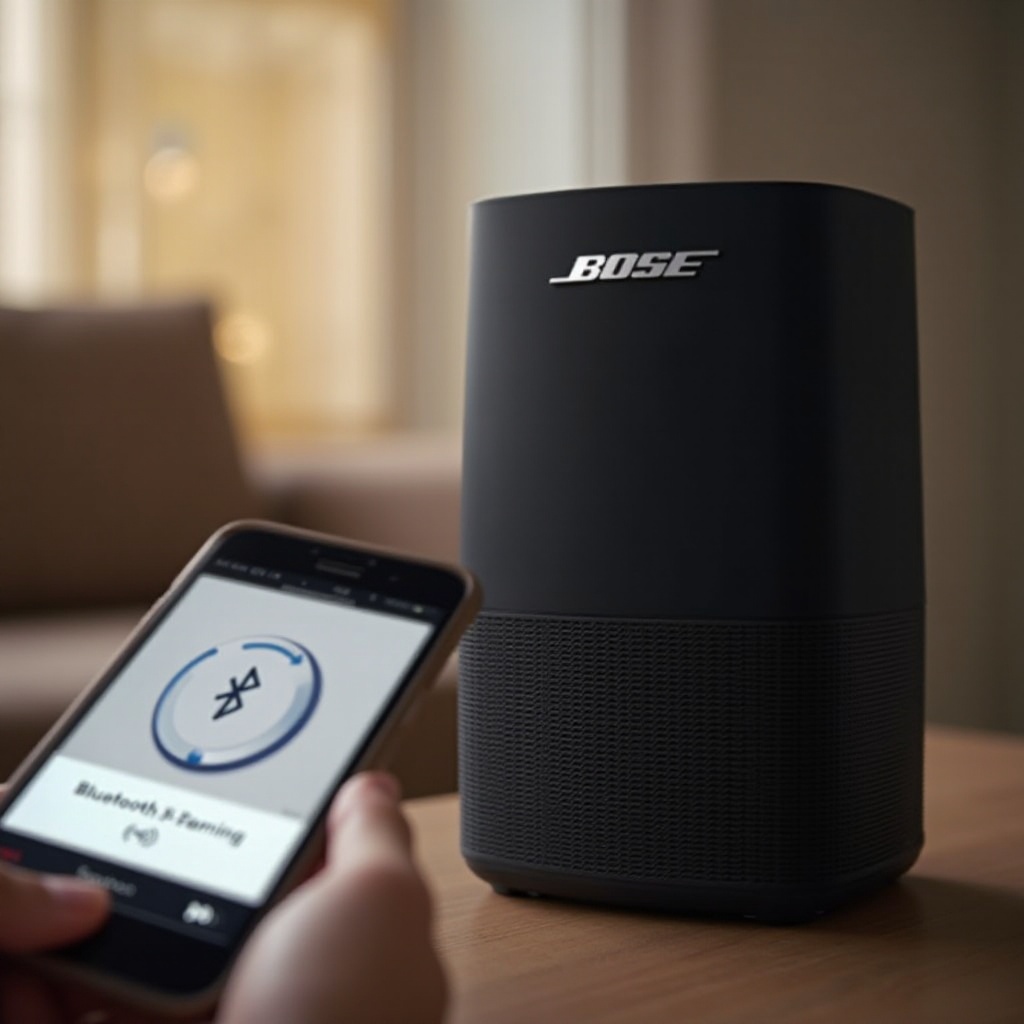
Overview of Popular Bose Models: Bose offers a variety of Bluetooth speakers, each with unique features to cater to different needs. Models like SoundLink Revolve and Bose Home Speaker are designed to deliver rich sound experiences, whether in compact or more robust versions.
-
Key Features and Benefits: Bose speakers are known for their impressive battery life, superior sound quality, and user-friendly controls. These features make them ideal for seamless Bluetooth connections.
With these basics covered, you can now prepare your devices to ensure everything is set for pairing.
Preparing Your Device and Speaker for Pairing
Proper preparation can prevent many pairing issues. Follow these steps to ensure your device and speaker are ready for connection.
-
Charging and Powering On the Speaker: Ensure your speaker is fully charged and powered on. A well-charged device minimizes connectivity issues that might arise from low battery.
-
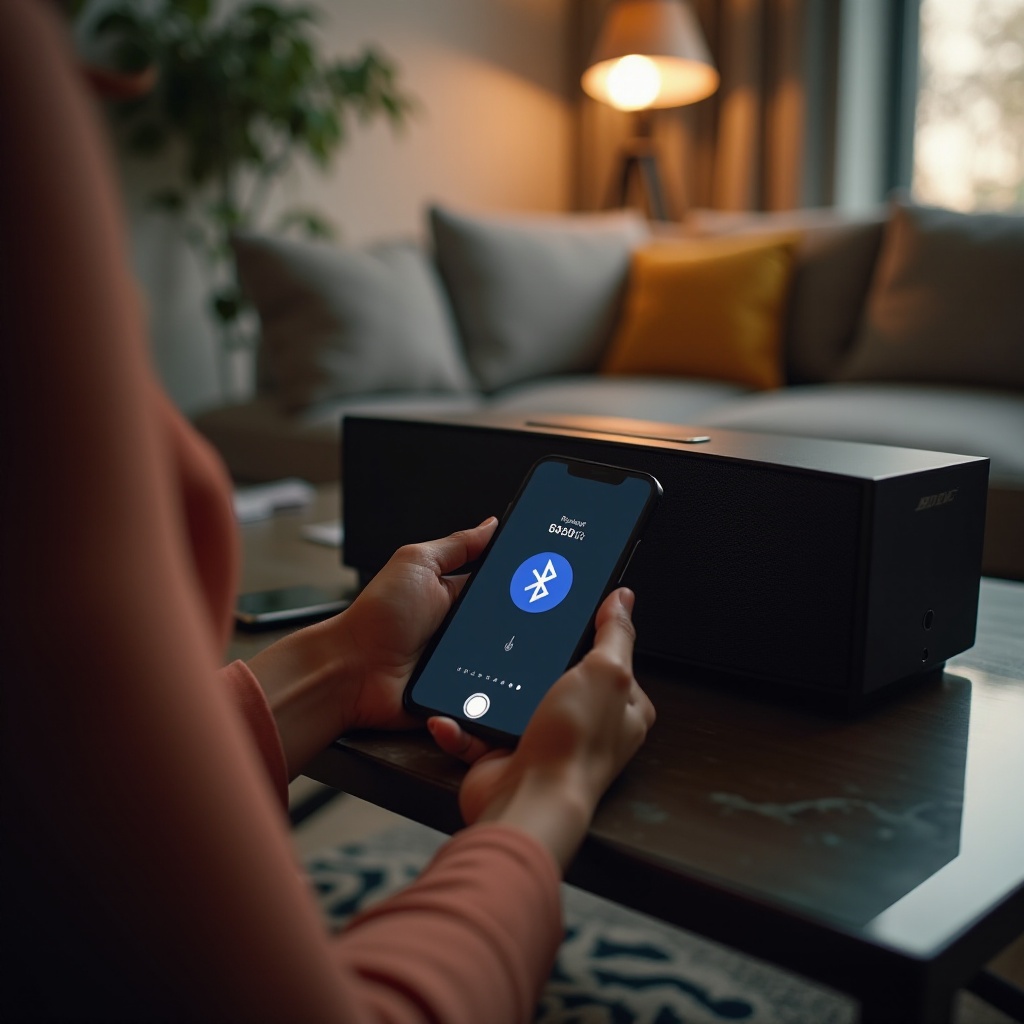
Ensuring Bluetooth Capability: Verify that your device’s Bluetooth is enabled. This step is essential, as it allows the device to search and connect to your Bose speaker effectively.
Once your devices are ready, let’s proceed to pair them with ease.
Step-by-Step Guide to Pairing Your Bose Speaker
Now, follow these simple steps to pair your Bose Bluetooth speaker with your device successfully.
-
Initiating Pairing Mode on the Speaker: Switch on your speaker and press the Bluetooth button until the speaker signals it is ready to pair, usually through a voice prompt or indicator light.
-
Searching for Devices on Your Bluetooth Settings: Access the Bluetooth settings on your phone or device, and start searching for available devices. Select your Bose speaker from the list once it appears.
-
Connecting and Confirming Successful Pairing: After selecting, wait for confirmation. You may hear a tone on your speaker or receive a notification that pairing is successful.
Even with smooth pairing, sometimes issues can arise. Let’s explore troubleshooting steps to tackle common problems.
Troubleshooting Common Pairing Issues
Pairing issues shouldn’t deter you. Here are quick solutions to overcome common challenges.
-
Resolving Connection Failures: If the connection fails, try restarting both your Bose speaker and the device. Remove barriers such as walls or electronic interferences that might hinder signal strength.
-
Improving Audio Quality: Keeping your devices updated can enhance sound quality. Make sure your speaker and device have the latest firmware to avoid lags or glitches.
By resolving pairing issues, you can focus on enjoying the features of your Bose speaker to the fullest.
Enhancing Your Bluetooth Experience
Beyond basic pairing, there are additional features to optimize your Bluetooth experience with Bose speakers.
-
Using the Bose Connect App: Download the Bose Connect app, which streamlines device management, offers automatic updates, and gives access to advanced settings.
-
Managing Multiple Devices: Bose speakers can remember previous pairings, allowing easy switching between devices. Manage these within Bluetooth settings on your device or through the Bose Connect app.
Conclusion
Pairing your Bose Bluetooth speaker doesn’t have to be difficult. By following this guide, you ensure a smooth connection and enjoy exceptional audio quality. Whether addressing issues or exploring advanced settings, your Bose speaker experience will be enhanced, providing endless musical enjoyment.
Frequently Asked Questions
How do I pair my Bose speaker with multiple devices?
Utilize the Bose Connect app to manage multiple devices efficiently. Switch Bluetooth connections through your device’s Bluetooth settings for convenience.
What should I do if my device fails to connect?
Try restarting the speaker and device to resolve connection issues. Ensure they’re within range and free from interference for a stronger signal.
Is there a way to improve the Bluetooth range?
Keep your speaker and device close together, unobstructed by barriers. Move away from electronic devices that could cause interference to maintain a stable connection.