JBL Speaker Charge Light: Decode & Troubleshoot
Understanding the JBL Speaker Charge Light: What You Need to Know
A JBL speaker’s charge light is vital for monitoring battery condition, providing cues on the speaker’s readiness to function. Grasping the meanings behind these lights is key to maintaining your speaker’s performance. This article will demystify these indicators, offering solutions to common charge light issues and tips for maximizing your speaker’s battery life.
The Basics of JBL Speaker Charge Lights
Charge lights on JBL speakers serve as visual alerts regarding battery status. While the light’s location varies across models—often near the power button—its purpose remains the same.
Recognizing the Charge Light
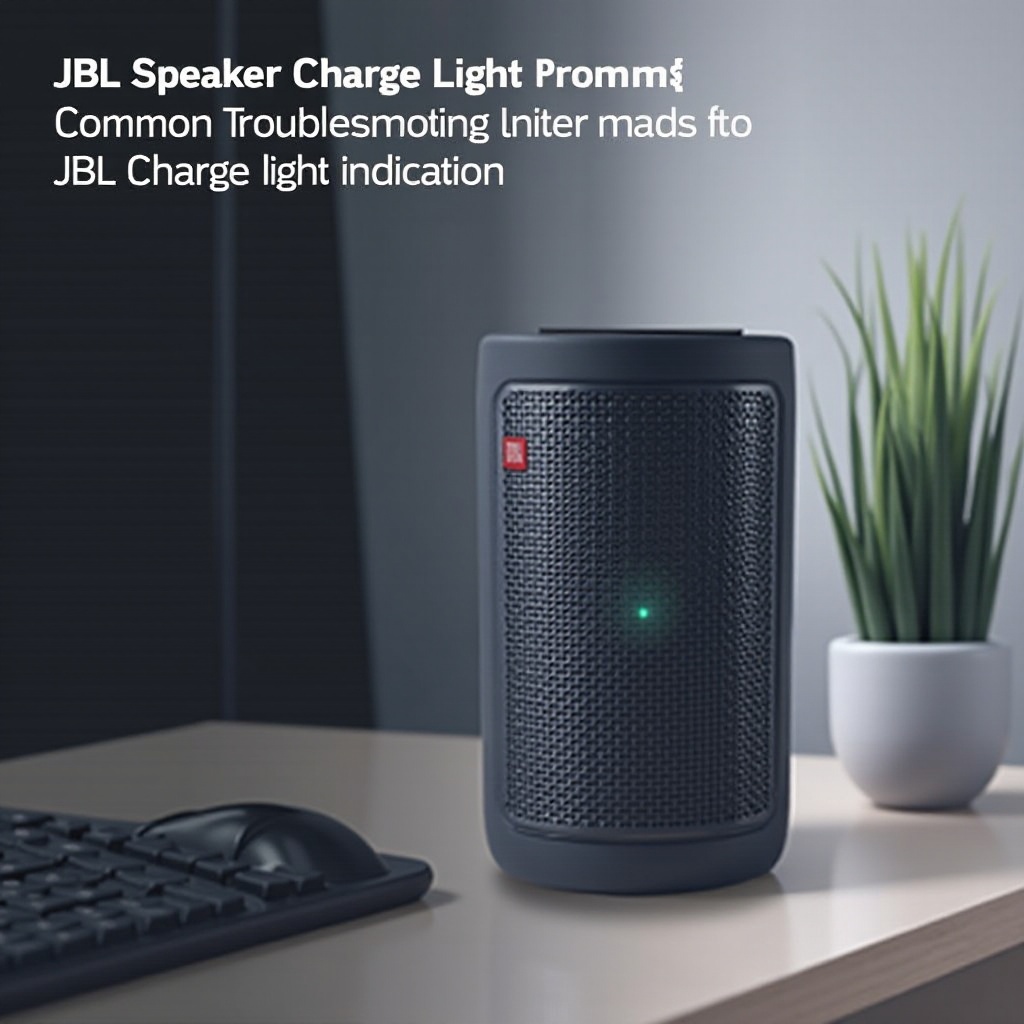
Knowing the charge light’s placement varies by model, such as the prominent display on JBL Flip or Charge series, aids in effectively monitoring the battery status.
Importance of Indicators
Charge light colors offer critical information about the battery, alerting users when the device requires charging or might be malfunctioning. This knowledge can prevent unwanted disruptions in performance and usage.
Understanding these fundamental aspects supports our next discussion concerning the specific meanings behind charge light colors.
What Do the JBL Charge Light Colors Mean?
Charge light colors on JBL speakers convey varied battery conditions:
Green Light – Fully Charged
A consistent green light indicates your speaker’s battery is fully charged, ready for uninterrupted use.
Red Light – Low Battery Alert
A red light signals a low battery, urging you to charge the speaker promptly to avoid shutdowns.
Blinking Lights – Troubles and Solutions
Blinking colors typically highlight issues—red suggests low power or connection issues, while different colors might indicate firmware or cable problems.
This understanding leads us into troubleshooting common charge light inconsistencies.
Common Troubleshooting Steps for JBL Charge Light Issues
When facing unpredictable behavior from the charge light, follow these steps:
Checking Power Sources and Connections
Ensure firm connections between the speaker and power outlet. Loose cables often cause charge light malfunctions.
Resetting the Speaker
A speaker reset often resolves charge light anomalies. Follow specific instructions for your JBL model.
Updating Speaker Firmware
Firmware updates address various speaker issues. Investigate pending updates via JBL’s app or website.
These troubleshooting strategies contribute to a broader approach to preserving battery health, which we will now explore.
Effective Tips to Maintain JBL Speaker’s Battery Life
Employ these practices to keep your speaker’s battery in prime condition:
Optimal Charging Practices
Disconnect the speaker once fully charged, avoiding overcharging to maintain battery longevity.
Avoiding Complete Battery Drain
Prevent the battery from depleting completely before recharging. Regular charging ensures better battery health.
Regular Maintenance and Care
Frequent cleaning and proper handling prevent dust build-up and physical damage affecting charging and battery performance.
By connecting troubleshooting and maintenance, you form a comprehensive strategy to enhance your speaker’s durability.
Conclusion
Understanding JBL charge lights equips you to address battery issues effectively. Recognizing charge light signals, adopting systematic troubleshooting, and following maintenance best practices are essential for prolonging your speaker’s life. This proactive management guarantees uninterrupted, high-quality audio experiences via your JBL speaker.
Frequently Asked Questions
Why does my JBL speaker’s charge light keep blinking red?
A blinking red light usually indicates a low battery or an issue with the power connection. Ensure your cable is securely connected and consider resetting your device.
How can I fix a charge light that isn’t working on my JBL speaker?
First, check all physical connections and update the speaker firmware. If problems persist, a hardware reset might be needed, or contacting JBL support for technical assistance.
Can a faulty charge light affect my JBL speaker’s battery life?
While the light itself doesn’t directly affect battery life, not properly interpreting its signals can lead to battery drain or damage from insufficient charging practices.