Troubleshooting: Why Won’t My Beats Headphones Charge?
Introduction
Beats headphones offer exceptional sound for music lovers, but when they refuse to charge, it can be a major inconvenience. Many users experience this issue for various reasons, and understanding the underlying causes is crucial for finding solutions. This guide dives into common charging problems and provides actionable tips to resolve them quickly.
Understanding Beats Headphone Charging
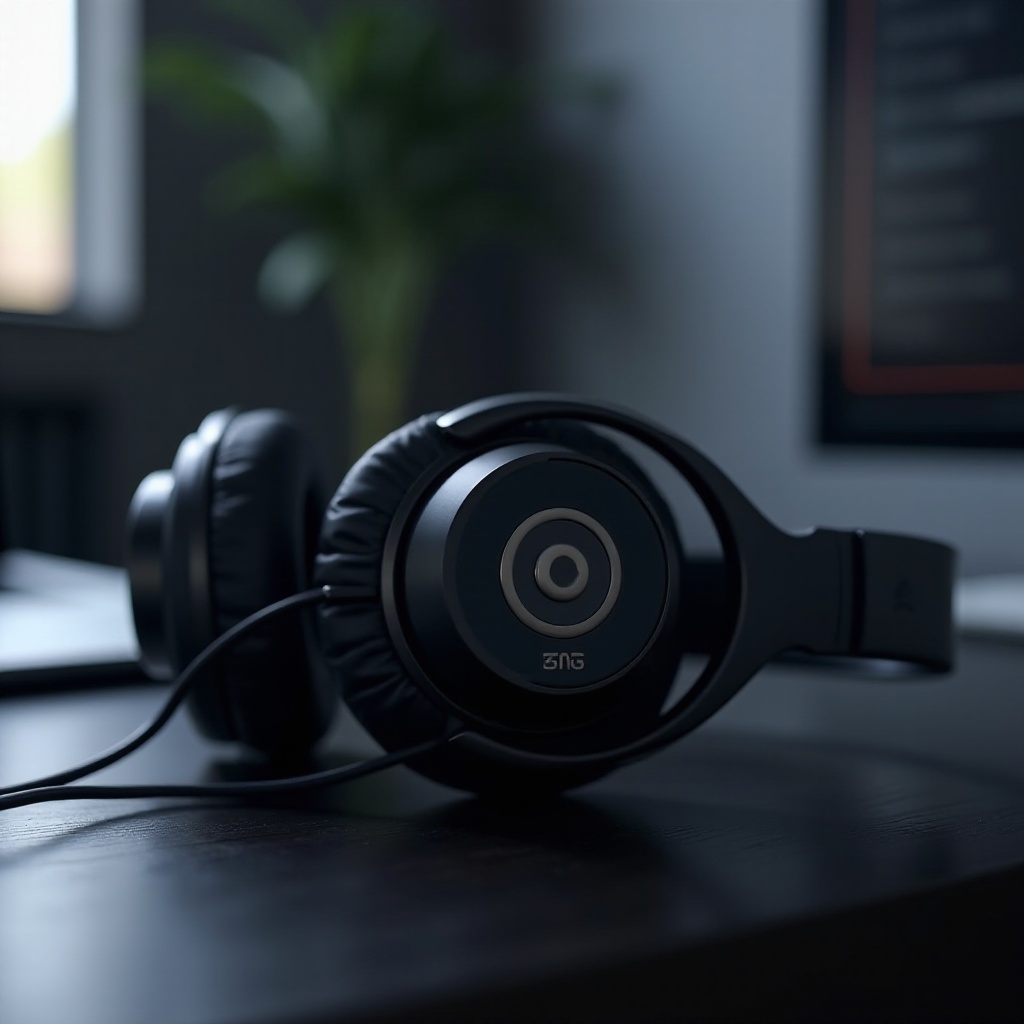
To tackle charging these issues, it’s essential to grasp how Beats headphones receive power. Typically, these headphones use a USB cable connected to an AC adapter or computer port. While the process seems straightforward, factors like cable quality and port condition impact charging efficiency. Recognizing the nuances of this mechanism assists in identifying potential points of failure, preparing us for further investigation.
Common Causes of Charging Issues
Several variables may hinder charging capabilities. Identifying these will guide effective troubleshooting:
- Faulty Charging Cable or Port: Damage to the USB cable or debris in the port can obstruct charging. Physical inspection is necessary to spot wear, tear, or obstructions.
- Software Glitches: Occasionally, software errors hinder charging. Ensuring your device software is updated can rectify unknown bugs.
- Battery Deterioration: Over time, batteries lose efficiency, preventing full charges. Monitoring battery health aids in determining if a replacement is needed.
Uncovering potential causes equips users to scrutinize their devices, leading to a more informed diagnostic process.
Diagnosing the Charging Problem
Armed with knowledge of potential issues, diagnosing the specific problem becomes feasible. Here are vital steps to examine your Beats headphones:
- Visual Inspection Tips: Examine the charging cable and port for signs of damage, debris, or corrosion that might impede function.
- Behavioral Observations: Take note of any irregular charging patterns, such as intermittent connectivity, to pinpoint software or hardware malfunctions.
A thorough analysis leads logically into the solving phase, where discovered issues can be effectively addressed.
Solutions to Charging Problems
Implementing fixes requires systematic measures. Below are steps to resolve your Beats headphones charging issues:
- Cleaning and Checking Ports: Regularly clean the port using a dry brush or compressed air to clear debris obstructing connections.
- Updating Firmware: Routinely check for firmware updates from Beats to correct software glitches and improve device performance.
- Replacing Damaged Accessories: Swap worn or incompatible cables with quality replacements designed for Beats models.
These solutions should enhance charging reliability and serve as preventive maintenance.
Preventive Measures for Future Issues
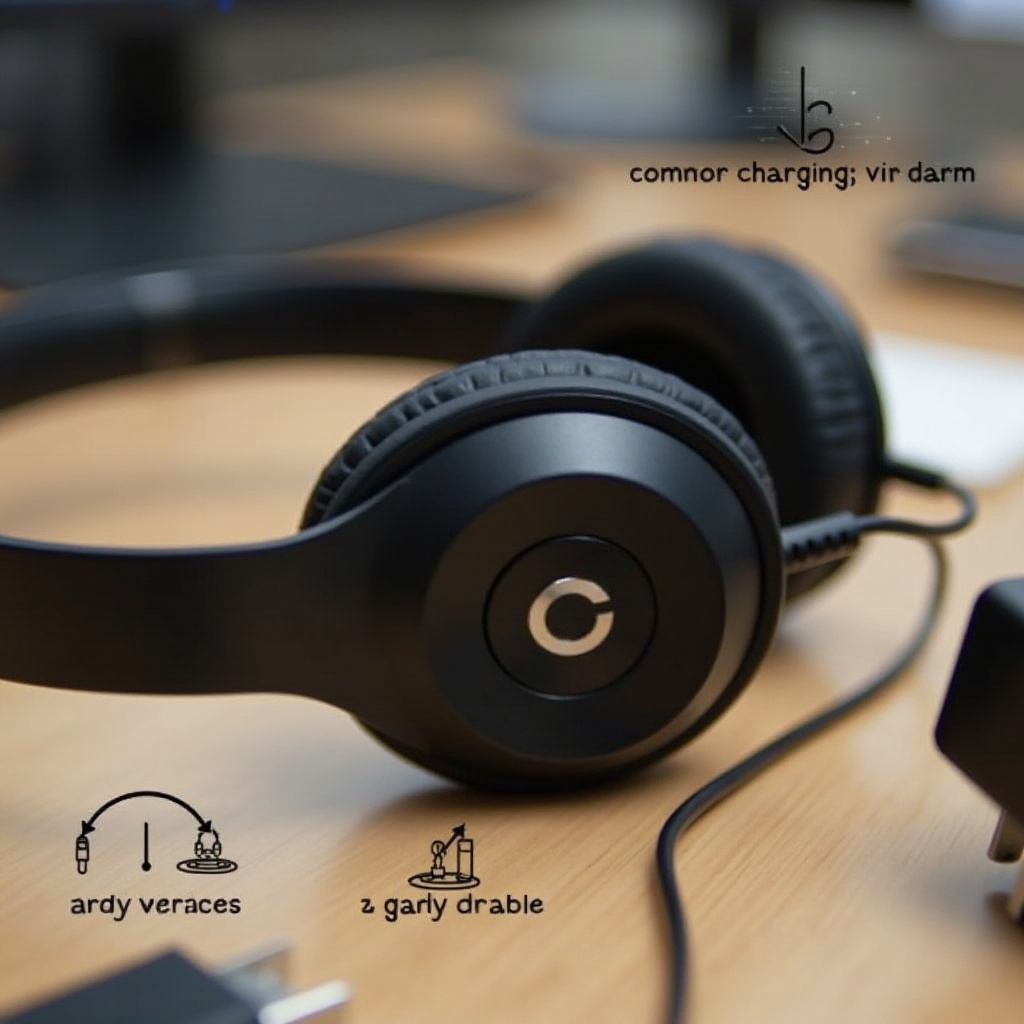
Preventing future problems requires consistent upkeep. Ensure optimal performance by adopting these strategies:
- Proper Charging Practices: Avoid overcharging overnight and use certified accessories compatible with your headphones.
- Regular Maintenance Tips: Schedule checks of device components and clean connectors based on manufacturer guidelines.
Such practices reduce the risk of recurring issues, promoting lasting device durability.
When to Seek Professional Help
Sometimes, expert intervention remains the best option. Recognize when to approach professionals:
- Signs of Hardware Failure: If hardware issues persist after attempts to fix them, contacting an authorized service center is recommended.
- Authorized Service Centers: Always seek assistance from certified experts to ensure the integrity of your Beats headphones and uphold warranties.
Knowing when expert help is necessary ensures your device receives thorough, adept repair, concluding our journey through troubleshooting and prevention.
Conclusion
Understanding and resolving charging issues with Beats headphones requires strategic diagnosis and solution application. Incorporating preventive measures bolsters long-term functionality. Should persistent problems arise, professional guidance is invaluable to maintain sound performance. Reclaim clear and reliable headphones usage through these practices.
Frequently Asked Questions
What should I do if my Beats still won’t charge after following these steps?
If troubleshooting doesn’t resolve the issue, contact an authorized Beats service center for professional assistance.
How can I check if the charging cable is defective?
Test the cable with another device or use a different cable with your Beats headphones to identify fault sources.
Are there specific firmware updates for different models of Beats headphones?
Yes, visit the Beats website for model-specific firmware updates that enhance performance and resolve software issues.