Troubleshooting Tozo Earbuds: Solutions for Pairing Issues
Introduction
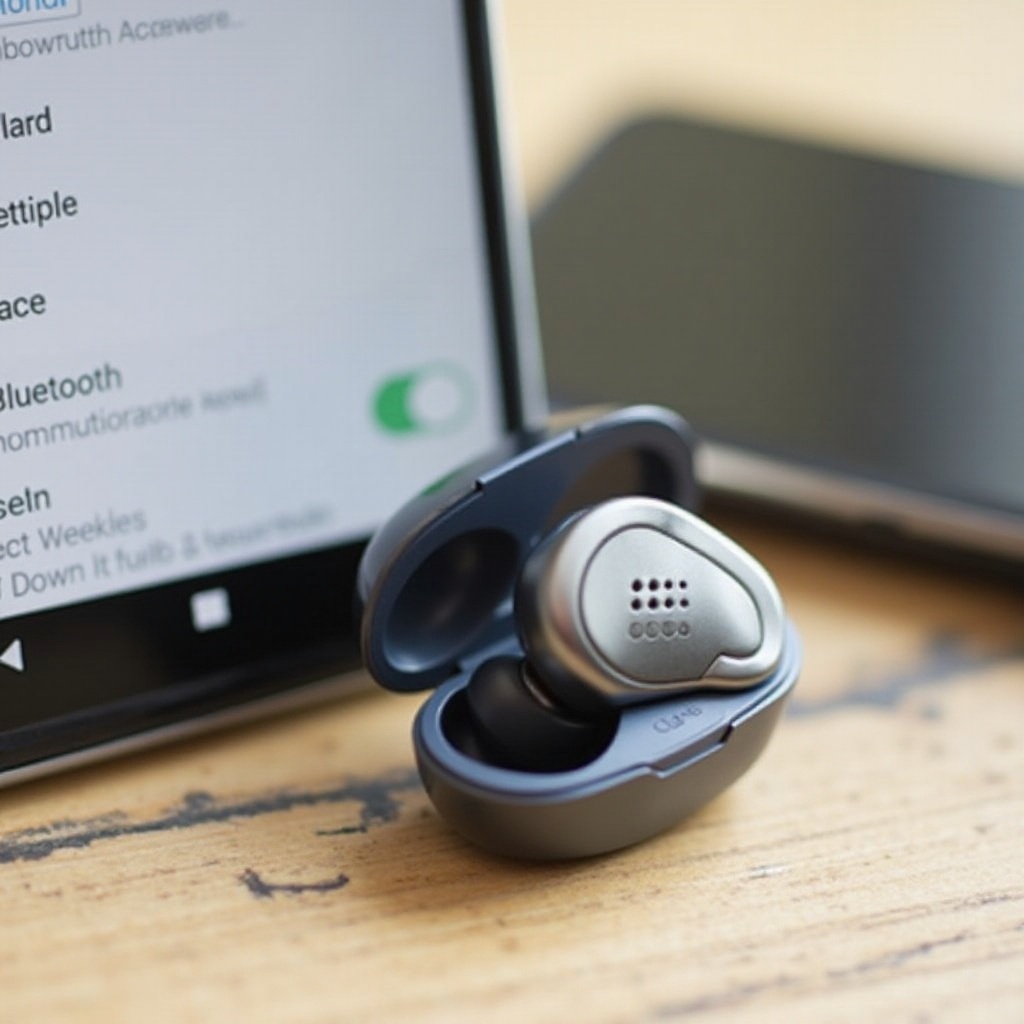
Tozo earbuds are a popular choice due to their quality sound and affordability. However, users often encounter pairing difficulties with these devices, which can be frustrating. Efficiently resolving these issues is crucial to fully enjoy your earbuds’ functionality. Our comprehensive guide offers practical solutions to tackle and fix pairing problems.
Understanding Tozo Earbuds and Bluetooth Pairing
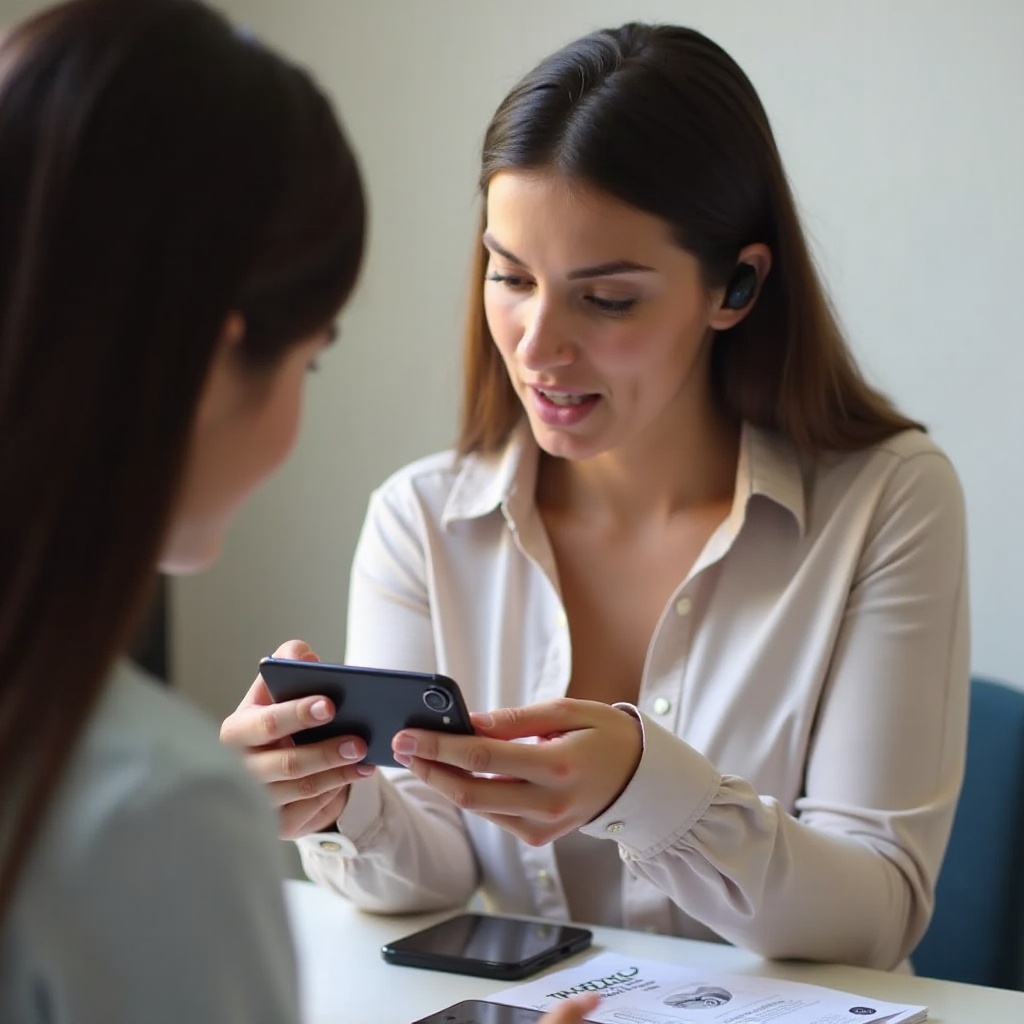
Bluetooth is the backbone technology enabling wireless experiences with Tozo earbuds. It establishes a secure connection between the earbuds and a compatible device for smooth audio transfer. Pairing issues may arise due to outdated software or interference from nearby electronics. Recognizing these potential obstacles is vital to finding effective remedies.
Reasons for pairing failures may include:
– Battery level issues
– Signal interference from other devices
– Incorrect pairing mode configurations
Once these common causes are identified, users can proceed to basic troubleshooting steps to overcome them.
Basic Troubleshooting Steps
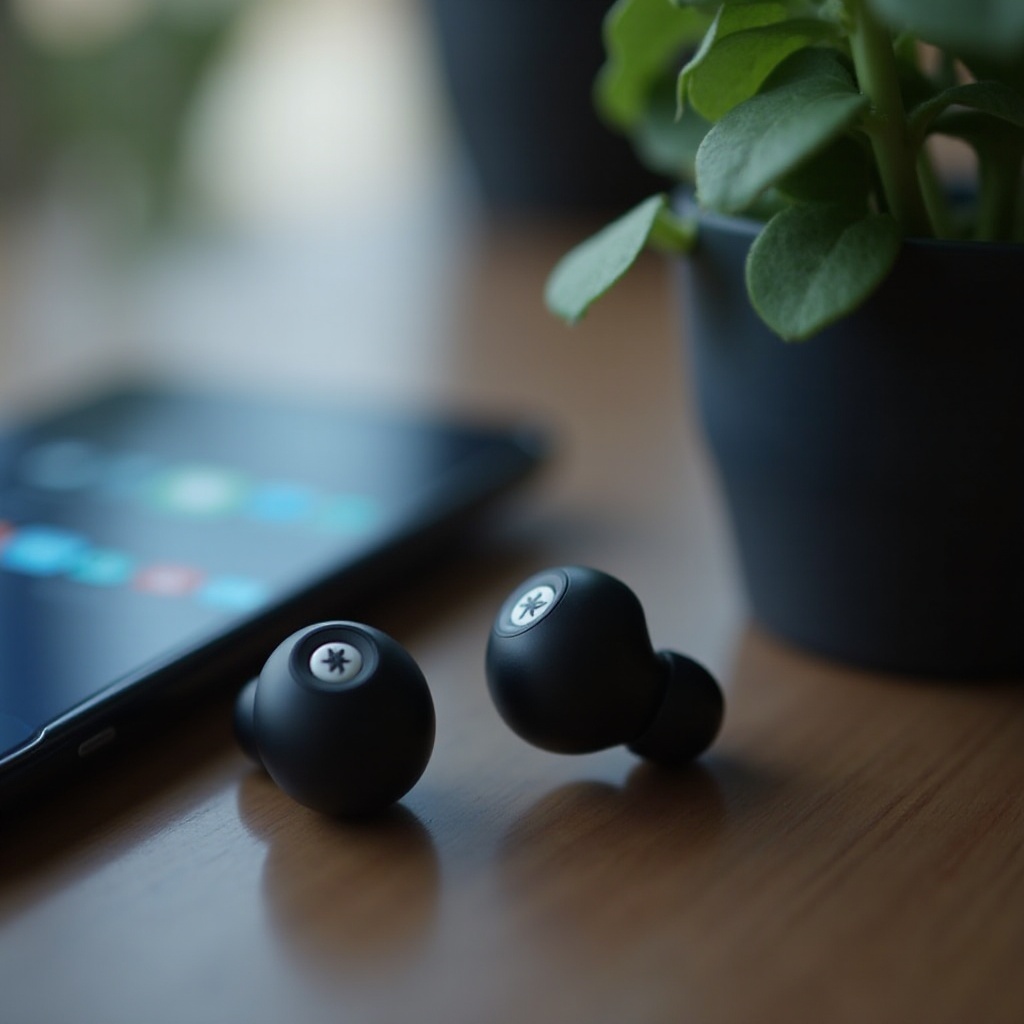
The initial approach to tackling pairing problems involves simple diagnostics:
-
Check Battery Levels: Ensure both the earbuds and device have ample battery life, as low levels can impair connectivity.
-
Ensure Earbuds are in Pairing Mode: Confirm earbuds are properly set to pairing mode, indicated by certain lights or sounds.
-
Resetting the Earbuds: Perform a reset, which clears existing connections and permits new pairing attempts. Follow instructions in the manual for precise procedures.
After completing these fundamental checks, further measures can be adopted if pairing issues persist.
Advanced Solutions for Pairing Problems
If basic solutions are ineffective, advanced troubleshooting techniques should be explored:
-
Updating Firmware: Always have the latest firmware installed to address compatibility concerns. Updates are typically available on Tozo’s official website.
-
Clearing Bluetooth Cache on Devices: Occasionally, a filled Bluetooth cache can hinder pairing. Access device settings to clear the cache and refresh connectivity.
-
Compatibility with Device Hardware and Software: Confirm your earbuds are compatible with your device’s system specifications, including the correct Bluetooth version.
These advanced solutions may resolve stubborn issues, and an immediate improvement usually follows.
Maintaining Optimal Connectivity and Performance
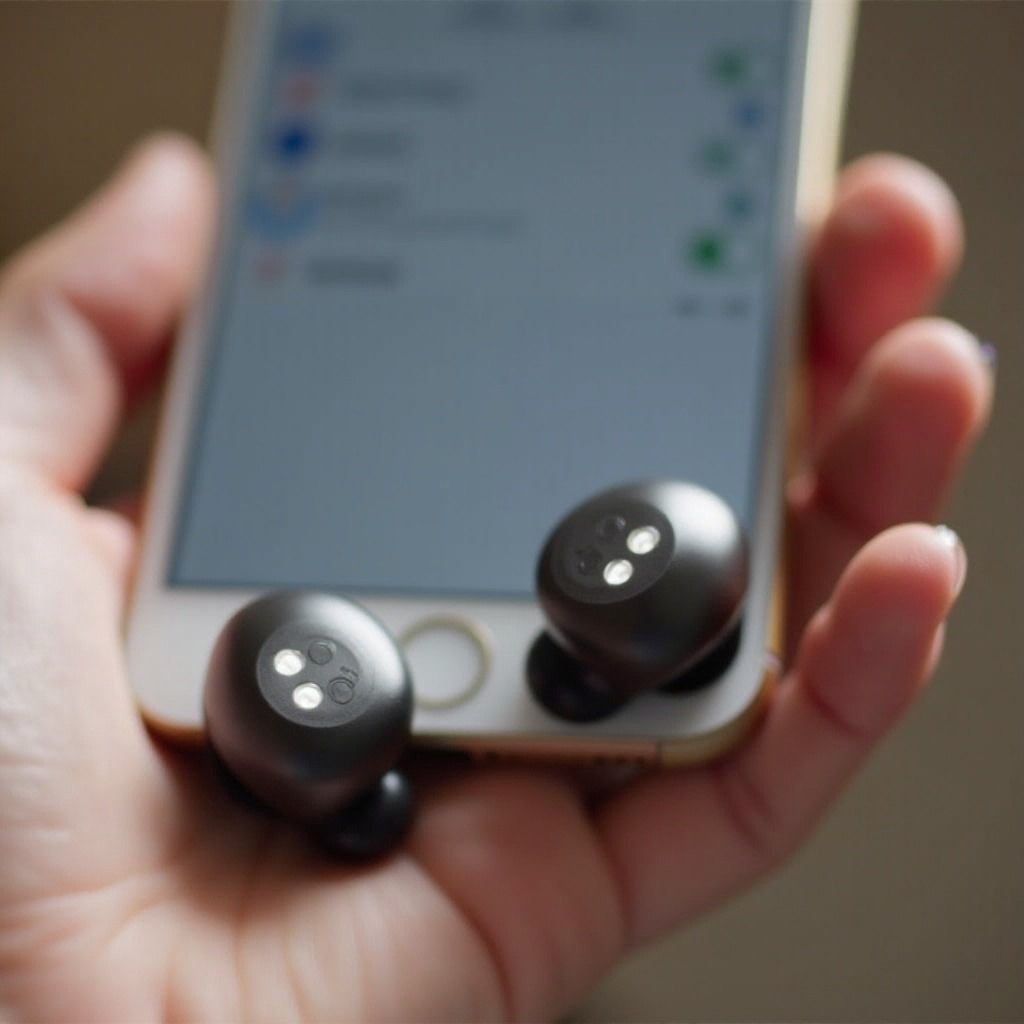
Avoid future pairing problems by adopting preventive measures and regular maintenance practices:
-
Best Practices for Device Management: Routinely update software, maintain devices within the operating range, and minimize other active Bluetooth devices.
-
Avoiding Environmental Interference: Physical barriers, such as walls or metallic objects, can disrupt signals. Whenever possible, maintain clear line-of-sight.
Incorporating these habits ensures your Tozo earbuds consistently perform well and deliver an exceptional sound experience.
Conclusion
Tozo earbuds provide an impressive listening experience, but occasional pairing issues can detract from their potential. Understanding and applying simple to advanced troubleshooting methods allow users to efficiently resolve these challenges. Regular maintenance and optimal device management ensure that you get the most out of your earbuds.
Frequently Asked Questions
Why won’t my Tozo earbuds connect to my phone?
Your earbuds may struggle to connect due to low battery levels or incorrect pairing mode settings. Verify these factors before pairing again.
How do I reset my Tozo earbuds for pairing?
Reset the earbuds by following the reset button procedure described in the user manual. It clears previous connections and entitles new attempts.
Are my Tozo earbuds compatible with all devices?
Tozo earbuds work best with devices supporting the same Bluetooth version. Check compatibility with your device’s specifications for optimal performance.