How to Connect Bose Speaker to Your Phone: A Step-by-Step Guide
Introduction
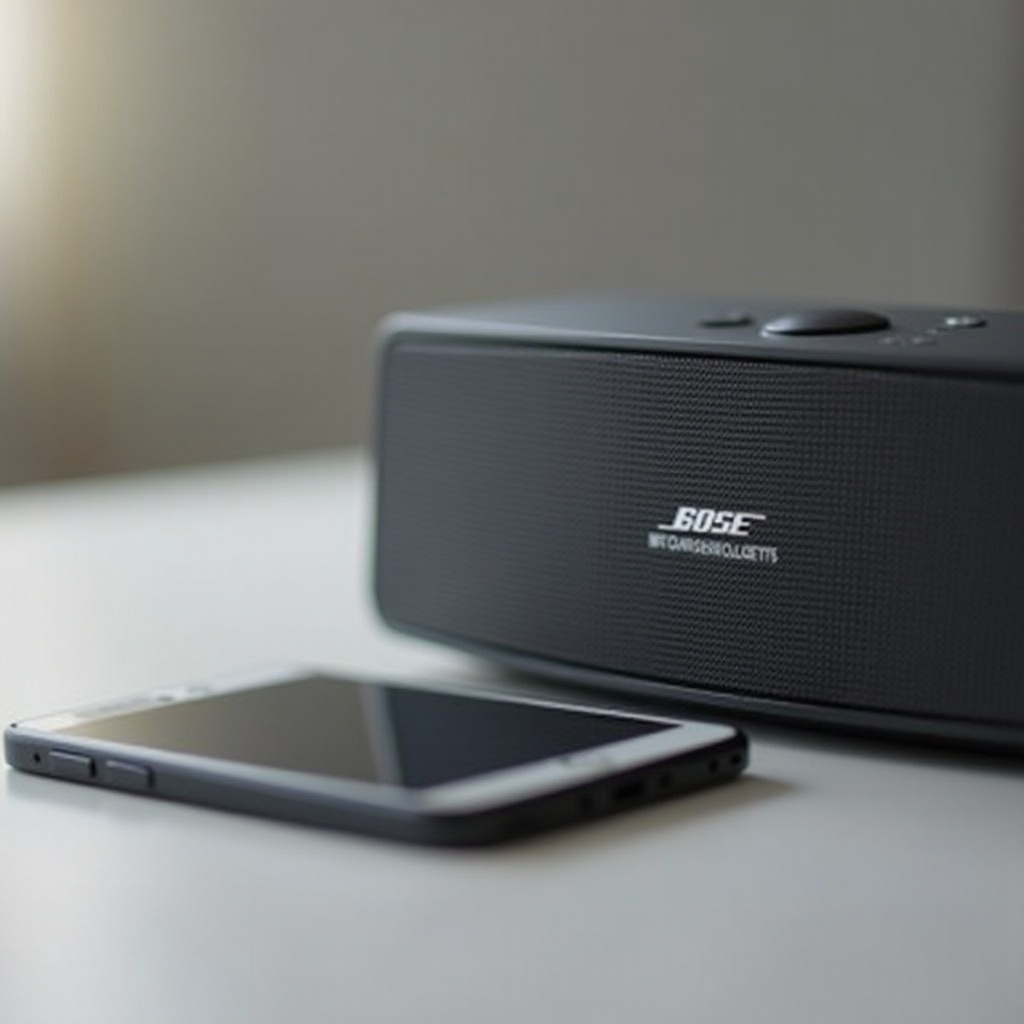
Connecting your Bose speaker to your phone unlocks a world of mobile audio enjoyment, ensuring you can control your music easily and enjoy high-quality sound wherever you are. Whether you’re setting up for a party or enjoying a quiet night at home, this guide introduces you to the steps and tips needed to pair your Bose speaker with your phone, troubleshoot any issues, and maximize audio performance with the latest models.
Understanding Bose Speaker Models
First, familiarize yourself with the variety of Bose speaker models available in 2024. Each model, from the compact Bose SoundLink Flex to the advanced Bose Home Speaker 500, offers specific features that impact connectivity. Knowing these features ensures compatibility with your phone and helps tailor the pairing process.
- Popular Bose Models of 2024: The Bose SoundLink Flex and Bose Home Speaker 500 are among the most sought-after. They provide excellent sound quality and varied connectivity options.
- Key Features Relevant to Connectivity: Features like multipoint pairing, voice assistant integration, and NFC support can simplify the connection process greatly.
Understanding these characteristics sets the stage for successfully pairing your devices, and next, we’ll dive into preparing them for seamless connection.
Preparing Your Devices for Connection
Before you connect your devices, make sure they’re ready for pairing with a few preparatory steps:
- Ensure Bluetooth is Enabled on Your Phone: Navigate to your phone’s settings and enable Bluetooth. This is an essential step for establishing a connection.
- Charge Your Bose Speaker for Optimal Performance: A well-charged speaker ensures stable connectivity and performance—keep it powered up.
- Update Software for Compatibility: Check for any updates on your phone and speaker firmware, as these updates can enhance connectivity.
With your devices ready, follow the detailed instructions for connecting your Bose speaker to your phone, whether you use iOS or Android.
Step-by-Step Guide to Connecting Bose Speaker to Phone
Use these steps to successfully connect your Bose speaker to your phone.
- Activating Pairing Mode on Your Bose Speaker: Power on your Bose speaker and hold the Bluetooth button for several seconds. The flashing light indicates it’s ready to pair.
- Connecting via Bluetooth Settings on iOS: Access your iPhone’s Bluetooth settings, scan for devices, and tap your Bose speaker when it appears.
- Connecting via Bluetooth Settings on Android: Open Bluetooth settings on your Android device, initiate a scan, and select your Bose speaker from the list.
Still have issues connecting? Let’s explore some common troubleshooting techniques.
Troubleshooting Common Connectivity Issues
Even with clear steps, challenges may arise during the pairing process. Here’s how to resolve common problems:
- Speaker Not Showing Up on Bluetooth Search: Check that your speaker is in pairing mode and restart Bluetooth on your phone. Retry the search.
- Resolving Audio Dropouts: Ensure the devices are close together, without obstacles that might interfere with the signal.
- Fixing Interference Issues: Move away from potential interference sources like microwaves or other wireless devices.
After establishing a solid connection, maximize your speaker’s capabilities for an enhanced audio experience.
Enhancing the Audio Experience
Explore advanced features to elevate your Bose speaker’s audio performance.
- Using the Bose Connect App for Advanced Features: Download the Bose Connect app for device management and access to enhanced settings.
- Adjusting Audio Settings for Superior Sound: Fine-tune equalizer settings via the app or your phone to personalize your listening experience.
- Pairing Multiple Bose Speakers for Surround Sound: Create an immersive sound environment by pairing multiple speakers using the app.
These adjustments ensure your sound experience is optimal, making every listening session a delight.
Conclusion
With this comprehensive guide, you now possess the knowledge to connect your Bose speaker to your phone. From model understanding to troubleshooting, each step is designed to help you enjoy excellent mobile audio. Experience the convenience and audio brilliance with simplicity.
Frequently Asked Questions
Can multiple devices connect to the Bose speaker simultaneously?
Bose speakers generally support multipoint pairing, allowing connection with multiple devices, but only one device can play at a time.
How do I reset my Bose speaker if I encounter issues?
Reset your Bose speaker by pressing and holding the Power button for ten seconds until the Bluetooth light flashes, then re-pair the devices.
What should I do if my Bose speaker keeps disconnecting from my phone?
Ensure both devices have updated software, are free from interference, and are within range. Restarting both devices may also help resolve the issue.