How to Pair Your iPhone with a JBL Speaker: A Comprehensive Guide
Introduction
Connecting an iPhone to a JBL speaker is a simple process that unlocks an enriched audio experience, perfect for daily use or special occasions. This guide offers step-by-step instructions to pair your devices, ensuring you enjoy quality sound and troubleshooting any potential issues. The seamless connection between these devices enhances your overall audio enjoyment.
Before diving into the pairing process, it’s essential to prepare your devices, ensuring they are ready to connect efficiently.
Preparing Your Devices for Pairing
Preparation is key to avoiding connectivity problems during pairing. Here’s how to ready your JBL speaker and iPhone:
- Prepare Your JBL Speaker:
- Ensure the JBL speaker is powered on and sufficiently charged.
-
Activate its Bluetooth pairing mode by pressing and holding the Bluetooth button until the indicator light flashes.
-
Enable Bluetooth on Your iPhone:
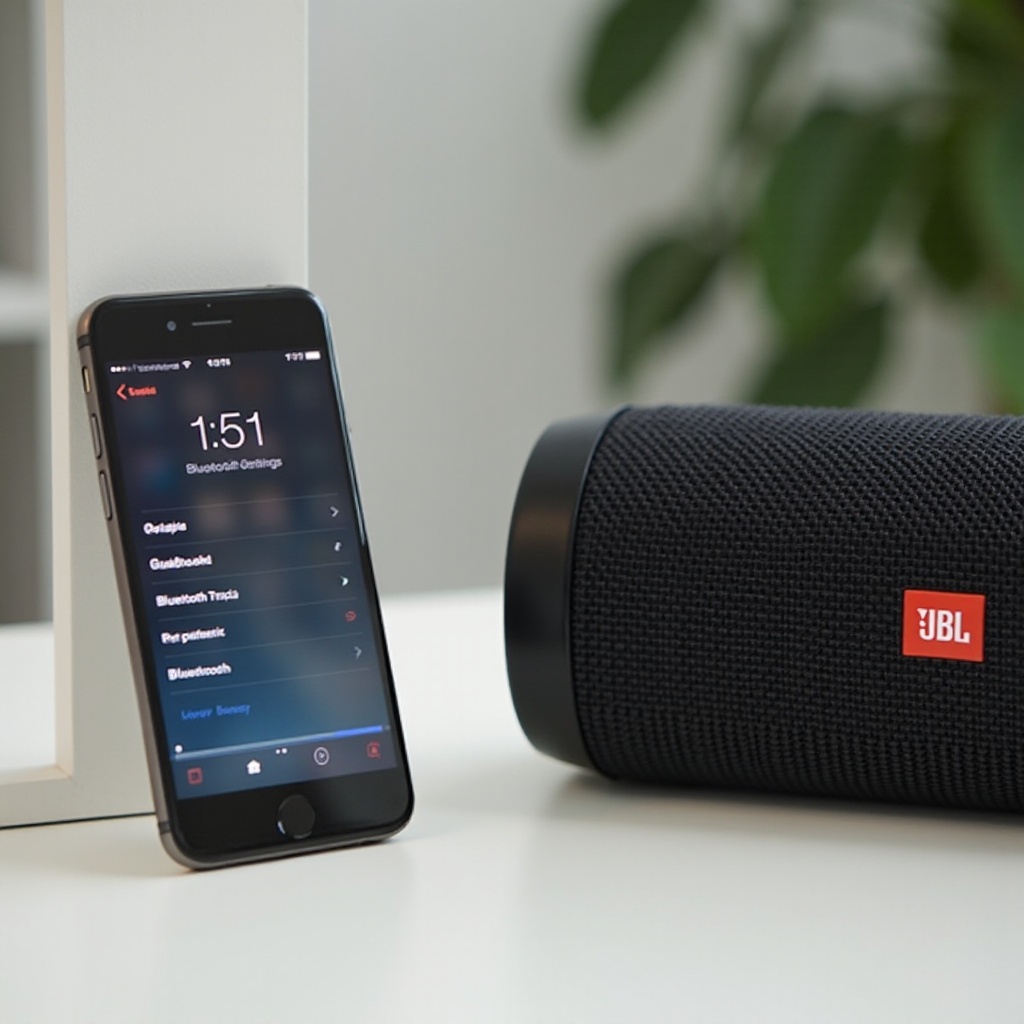
- Navigate to ‘Settings’ on your iPhone.
- Choose ‘Bluetooth’ and switch it on. Your iPhone will start searching for available devices automatically.
With both devices ready, you can proceed to the actual pairing process, connecting your iPhone to the JBL speaker.
Step-by-Step Pairing Process
Follow these simple steps to pair your iPhone with a JBL speaker:
- Start the Pairing Process:
- In your iPhone’s Bluetooth settings, locate your JBL speaker from the list of available devices and tap on it.
-
Wait a few moments for the devices to establish a connection.
-
Verify Successful Connection:
- ‘Connected’ will appear next to your JBL speaker’s name on the iPhone, signaling a successful pairing.
- You can now play your favorite media on the iPhone and enjoy it through the JBL speaker.
Despite the straightforward process, some users may encounter connectivity issues. Understanding how to troubleshoot these can improve your experience.
Troubleshooting Common Pairing Issues
Even with a simple process, issues may arise. Identifying and resolving these ensures a smoother experience:
- Addressing Connection Drops:
- Keep the devices within the effective Bluetooth range (typically 30 feet).
-
If the connection drops, restart Bluetooth on your iPhone and JBL speaker.
-
Solving Interference and Range Problems:
- Remove obstacles, like walls or furniture, between the devices.
- Reduce interference from other Bluetooth devices or Wi-Fi networks.
After resolving any issues, enhancing your audio experience becomes the next focus. Optimizing sound quality and exploring various speaker features can make a big difference in your enjoyment.
Enhancing Your Audio Experience
Once your devices are connected, focus on maximizing the audio experience:
- Optimizing Sound Quality:
- Adjust volume levels on both the iPhone and JBL speaker to avoid distortion.
-
Utilize equalizer settings on your iPhone for a customized audio profile.
-
Exploring JBL Speaker Features:
- Use JBL Connect and JBL PartyBoost to link multiple speakers.
- Discover built-in apps or features for improved functionality.
Creating a personalized sound setting and mastering speaker features enhance the overall experience. Let’s conclude with a summary of the benefits and encourage further exploration.
Conclusion
Pairing your iPhone with a JBL speaker paves the way for an unparalleled audio journey. This connection simplifies daily media consumption, providing rich sound quality whether you’re listening to music, podcasts, or watching videos. Embrace this seamless audio enhancement and explore further possibilities with your JBL speaker.
Frequently Asked Questions
Can I pair multiple JBL speakers with my iPhone simultaneously?
Yes, using JBL Connect or JBL PartyBoost allows connection of multiple speakers for a louder, more immersive sound experience.
What should I do if my iPhone doesn’t recognize the JBL speaker?
Ensure both Bluetooth is enabled and the speaker is in pairing mode. Try restarting both devices and remove previous pairings.
How do I reset my JBL speaker for pairing with a new device?
Press and hold the power and Bluetooth buttons until the indicator lights flash, resetting Bluetooth settings for a new pairing.