How to Connect JBL Speakers to Each Other: A Step-by-Step Guide
Introduction
JBL speakers, celebrated for their sound quality and reliability, allow users to connect multiple devices for a surround sound experience. Whether setting up a home theater or throwing a party, linked JBL speakers elevate the audio experience. This comprehensive guide provides clear instructions on connecting JBL speakers, making the process seamless and enhancing your audio landscape.
Understanding JBL Connect Technology
Before connecting JBL speakers, it’s vital to understand the technologies involved: JBL Connect, JBL Connect+, and JBL PartyBoost. Each technology varies in its features and compatibility scope.
-
Overview of JBL Connect and Its Variants: JBL Connect is designed for linking two speakers into a stereo pair. JBL Connect+ expands this capability, allowing over 100 speakers to connect. JBL PartyBoost, the latest advancement, offers enhanced connectivity and improved sound quality.
-
Compatibility Factors to Consider: Ensure your JBL speakers share the same connection technology to avoid connectivity issues. Mismatched technologies between devices can disrupt or prevent successful synchronization.
Understanding these technologies allows for more informed preparation of your JBL devices, ensuring a smoother connection process.
Preparing Your JBL Speakers for Connection
Proper preparation of your JBL devices sets the stage for successful pairing. Follow these preparatory steps to ensure seamless connectivity:
-
Ensuring Firmware is Up-to-Date: Updating your speaker’s firmware can resolve potential compatibility issues. Use the JBL app to connect your devices, checking for and installing any available updates to ensure optimal operation.
-
Checking Battery Levels and Device Readiness: Verify that all speakers are fully charged to maintain a strong connection. Before connecting, power on each device and make sure they are within Bluetooth range.
Once your devices are prepared, you can proceed with linking your JBL speakers.
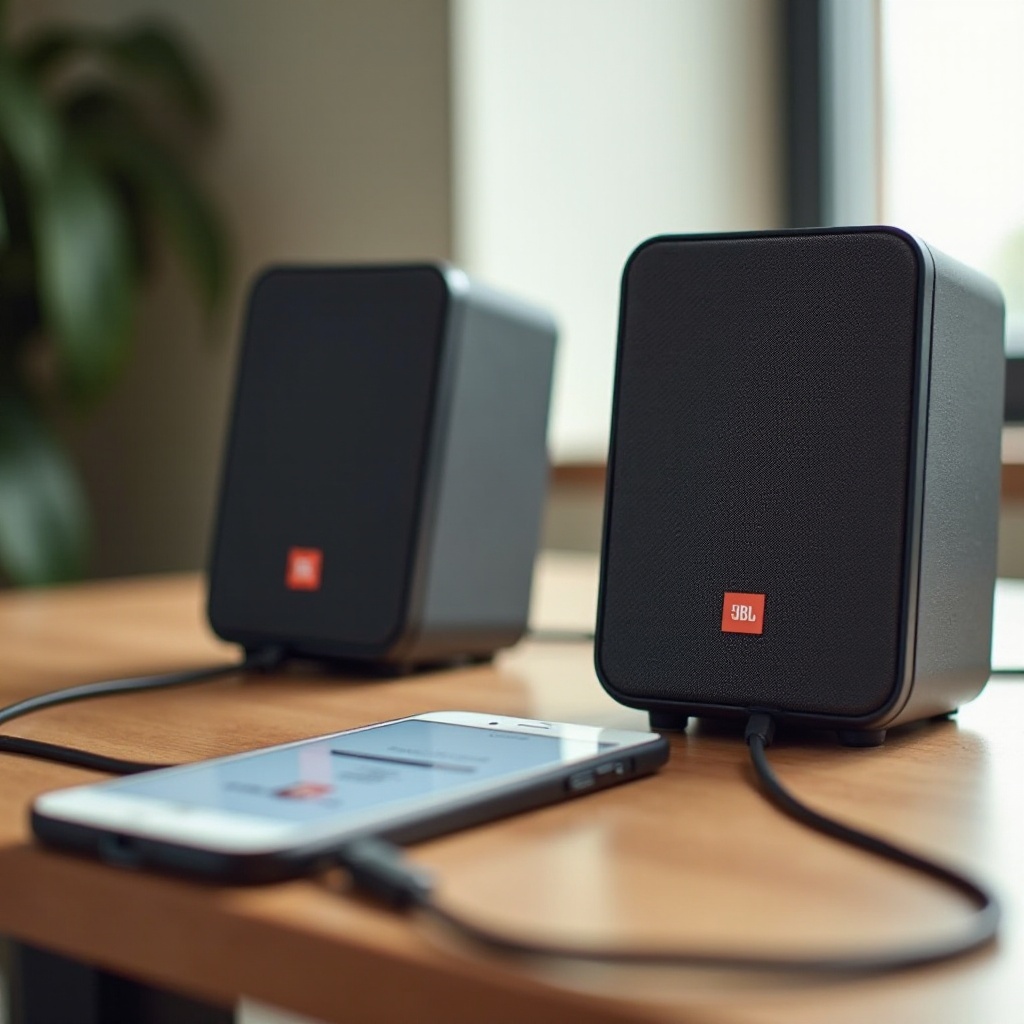
Steps to Connect JBL Speakers
Depending on your speakers’ technology, different steps apply for connection:
- Using JBL Connect for Connection:
- Turn on and connect your first speaker to the audio device via Bluetooth.
-
Activate the JBL Connect button on both devices.
-
How to Use JBL Connect+ Effectively:
- Ensure each speaker is powered on.
- Pair the primary speaker to your device before activating JBL Connect+.
-
Press the JBL Connect+ button on all other speakers to link them.
-
Utilizing JBL PartyBoost for Multiple Connections:
- Activate Bluetooth and power on each speaker.
- Pair your main speaker with the audio source and press the PartyBoost button on all speakers to establish a network.
Following these methods will ensure that your JBL speakers are linked effectively, enhancing your audio setting.
Troubleshooting Common Issues
Even with careful setup, issues can arise when connecting JBL speakers. Here are typical problems and solutions:
-
Resolving Connection Failures: Unpair and reconnect the speakers if they fail to connect. Restarting the Bluetooth device can also help; ensure all devices remain within range of each other.
-
Improving Audio Quality and Stability: Ensure a clear line of sight exists between devices to reduce interference. Avoid placing speakers near other electronic devices that could disrupt signals.
Addressing these common issues ensures your JBL setup remains effective and provides clear, stable sound.
Enhancing Your Listening Experience
Maximize your JBL speakers’ potential by following these suggestions:
-
Optimal Speaker Placement Strategies: Position speakers at equal distances from the listening point. This placement optimizes the sound distribution and balances the audio output.
-
Leveraging the JBL App for Customization: Use the JBL app to adjust the audio settings and tailor the speaker output to your liking. This customization allows for a personalized listening experience.
By implementing these strategies, you can fully capitalize on your JBL speakers’ capabilities, improving overall sound quality.
Conclusion
Linking JBL speakers can transform your listening environment, providing a comprehensive audio experience. By understanding the connection technologies, preparing your devices, following the connection steps, and troubleshooting common issues, you can ensure hassle-free speaker linking. Enjoy the enhanced audio performance and explore different configurations to find the ideal setup for your space.
Frequently Asked Questions
How many JBL speakers can be connected simultaneously?
JBL Connect+ allows linking over 100 speakers, while JBL Connect and PartyBoost offer different connectivity ranges.
Can I connect different JBL models together?
Compatibility depends on the connection technology. Ensure all speakers share the same technology, like Connect+ or PartyBoost.
What should I do if my JBL speakers fail to connect?
Restart both the Bluetooth and JBL devices. Check battery levels and ensure there are no interfering electronic devices nearby.